Spinning up a 3 Node Kubernetes Cluster using KinD
Updated
•2 min read
A
DevOps Engineer
In order to setup a Kubernetes cluster using KinD locally in your Linux OS, we need Docker service to be up and running in our machine.
Full form of KinD is pretty self-explanatory. KinD = Kubernetes in Docker
I’m using Ubuntu Desktop and hence the setup will be according to accommodate this for Ubuntu OS.
Let’s get started.
Part 1: Installing Docker, Docker CLI, ContainerD as the CRI (Container Runtime Interface) and Docker Compose Plugin
1.
sudo apt-get update
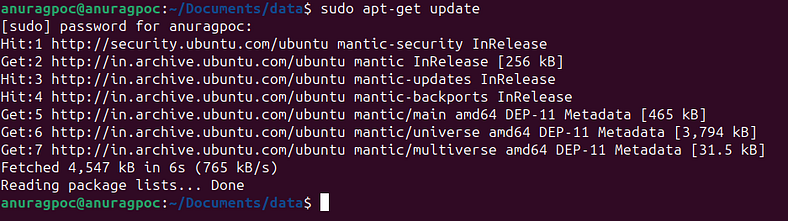
2.
sudo apt-get install ca-certificates curl gnupg lsb-release
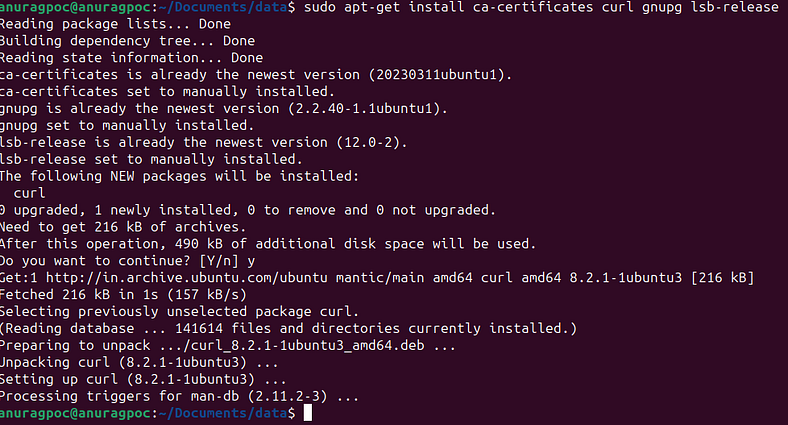
3.
sudo mkdir -p /etc/apt/keyrings
curl -fsSL https://download.docker.com/linux/ubuntu/gpg | sudo gpg --dearmor -o /etc/apt/keyrings/docker.gpg
echo "deb [arch=$(dpkg --print-architecture) signed-by=/etc/apt/keyrings/docker.gpg] https://download.docker.com/linux/ubuntu $(lsb_release -cs) stable" | sudo tee /etc/apt/sources.list.d/docker.list > /dev/null

4.
sudo apt-get update
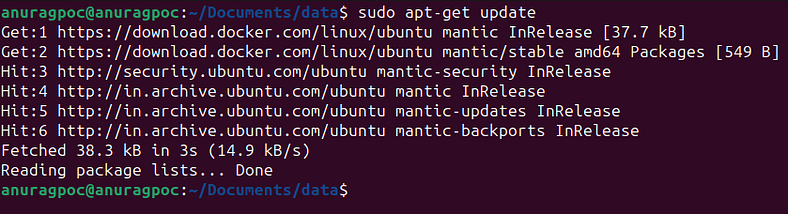
5.
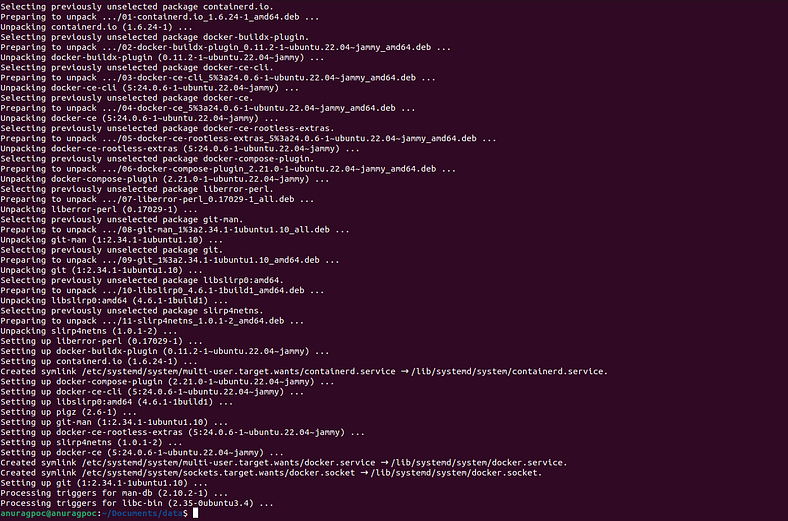
sudo apt-get install docker-ce docker-ce-cli containerd.io docker-compose-plugin
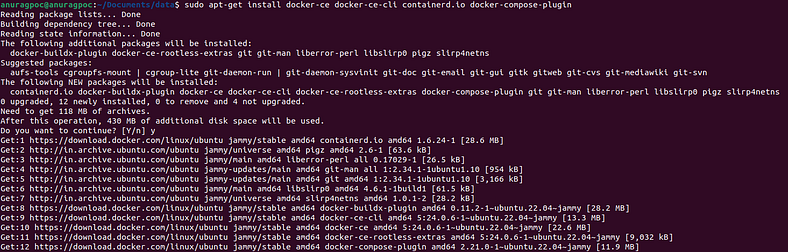
6.
sudo service docker start
7.
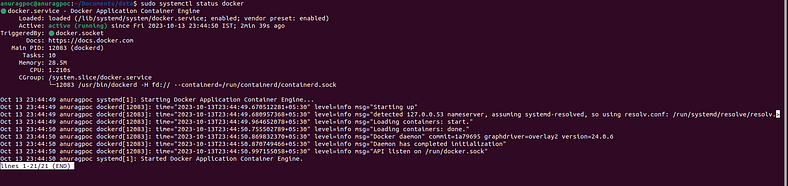
sudo systemctl status docker
Part 2: Setting up Kubernetes Cluster
1.
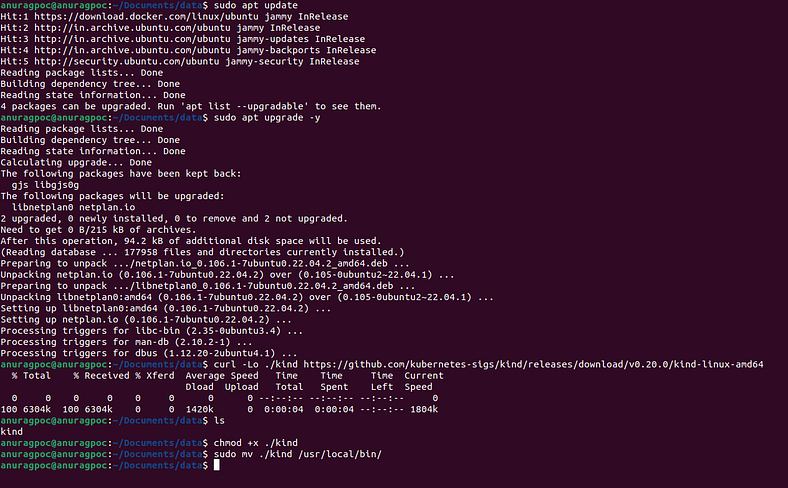
sudo apt update
sudo apt upgrade -y
curl -Lo ./kind https://github.com/kubernetes-sigs/kind/releases/download/v0.20.0/kind-linux-amd64
chmod +x ./kind
sudo mv ./kind /usr/local/bin/
2.
kind: Cluster
apiVersion: kind.x-k8s.io/v1alpha4
nodes:
  - role: control-plane
  - role: worker
  - role: worker
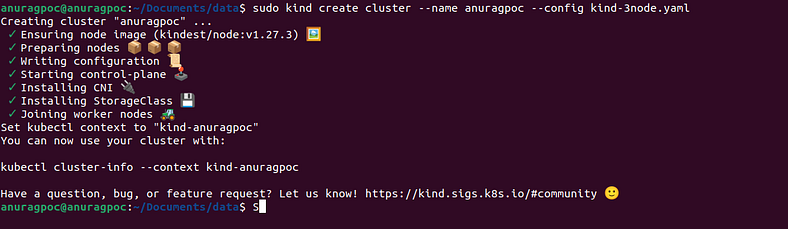
kind create cluster --name <clusterName> --config ./<YAML file>
3.
sudo snap install kubectl --classic

4.
sudo kubectl get nodes

sudo kubectl get ns

Finally, we have our Kubernetes Cluster up and running.